







All major blockchains · Approval flows · 25+ languages

Crypto Payment Gateway.

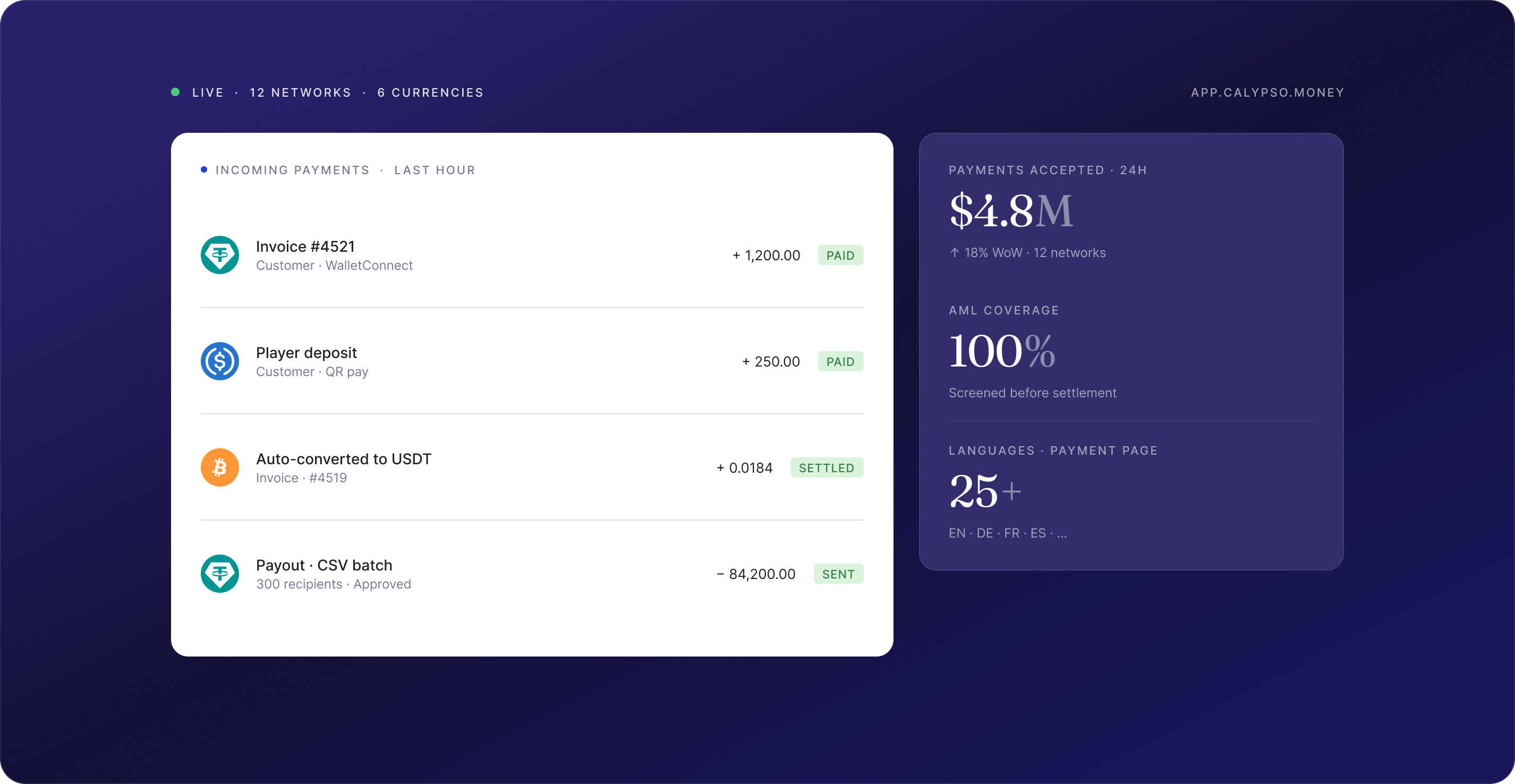
Accept crypto from customers, pay out to partners, and manage balances across currencies — all in one platform, with full API access.

Get started Talk to salesFree onboarding · API or dashboard
Calypso Pay crypto payment gateway dashboard
TokenScope
Sumsub
Crystal
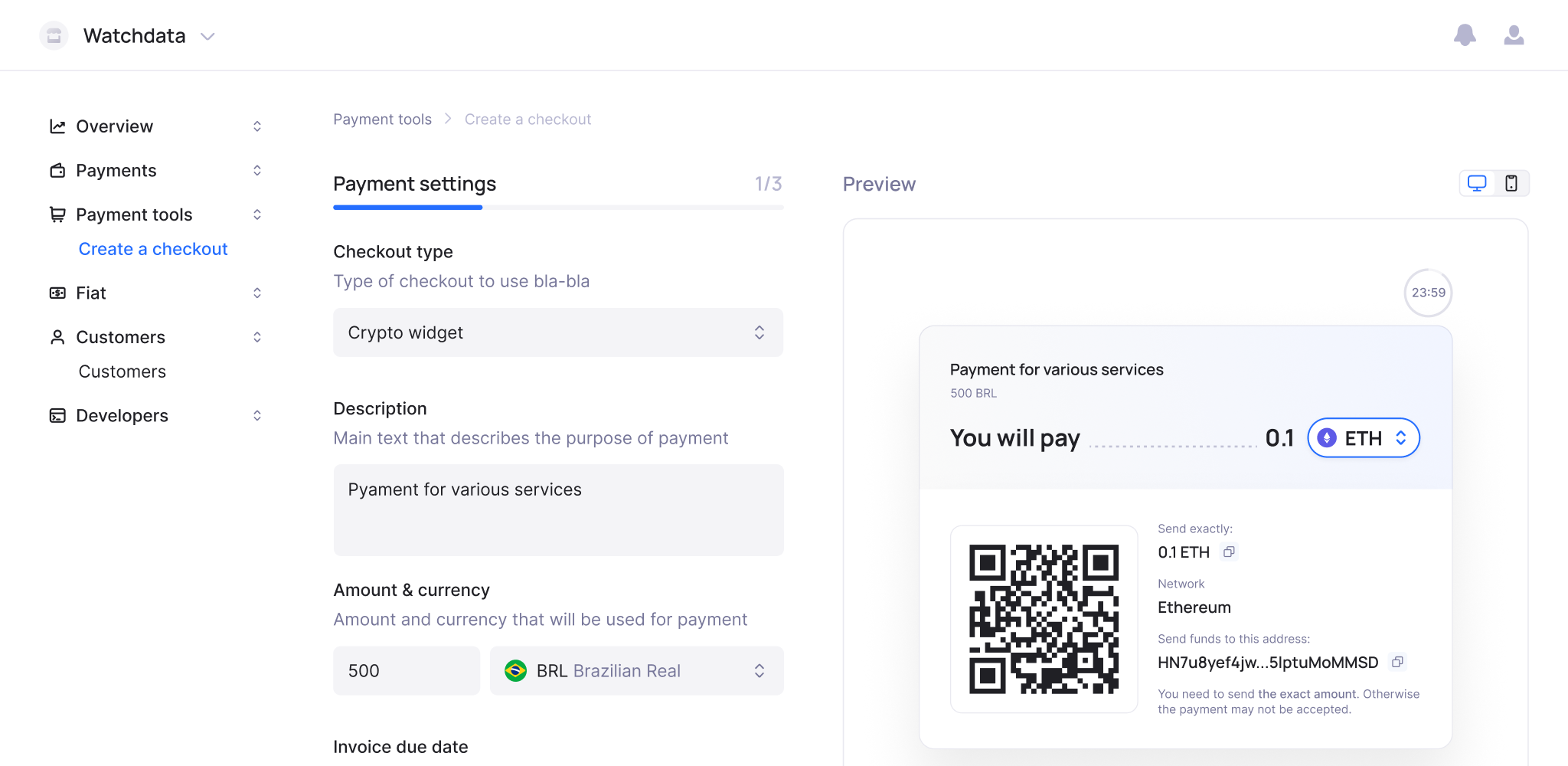
WatchData
EXMO
Watchblock
FinchTrade
Finery Market
TokenScope
Sumsub
Crystal
WatchData
EXMO
Watchblock
FinchTrade
Finery Market

Crypto payment gateway features

01 / CHECKOUT

Two integration options

Accept crypto on your site, your way

Checkout is a payment flow tool for businesses that need to accept crypto on their website or app. Redirect sends customers to a Calypso-hosted payment page, no dev effort required. Host-to-Host lets you build the full checkout via API with full control over UX and branding.

An online store redirects customers to a Calypso payment page at checkout — the customer pays in USDT, the store receives a webhook confirmation, and the order status updates automatically.
Learn more
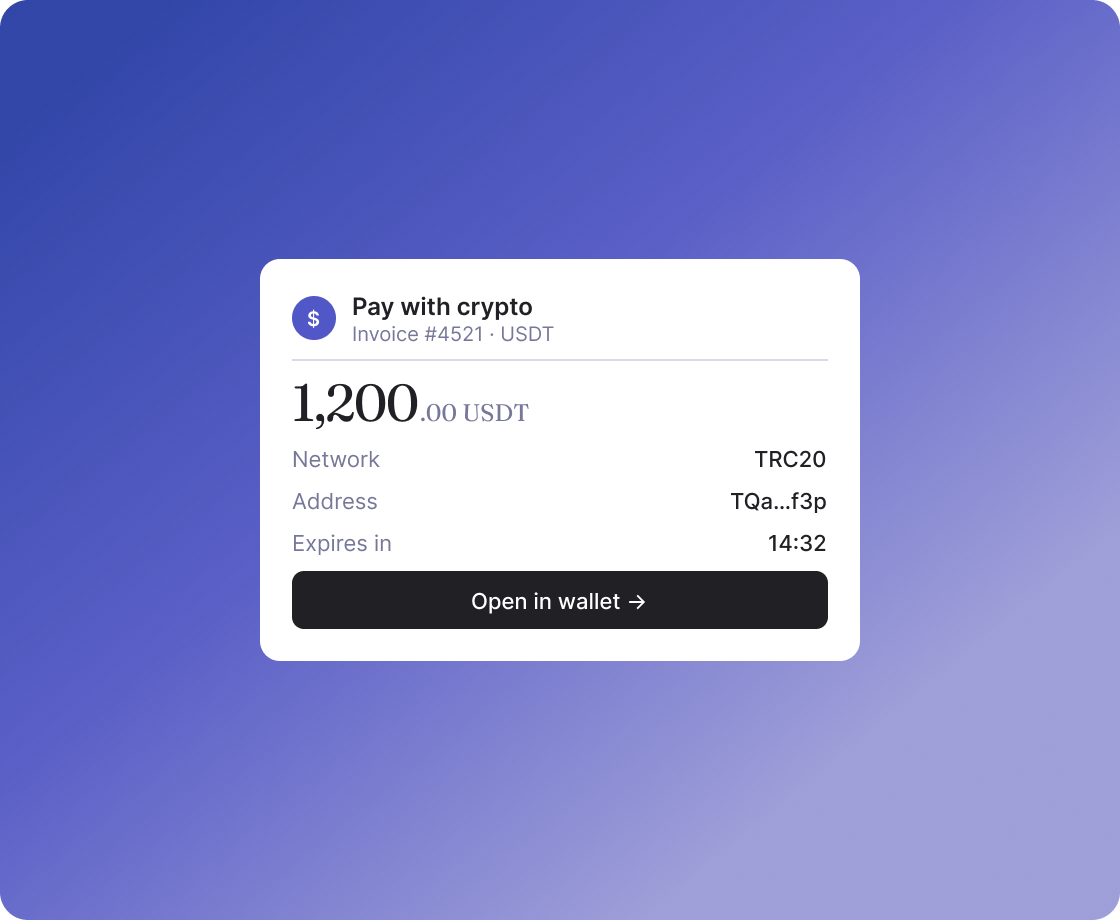
Pay with crypto checkout widget on a purple gradient

02 / CUSTOMERS

Built for platforms with user balances

A wallet for every user

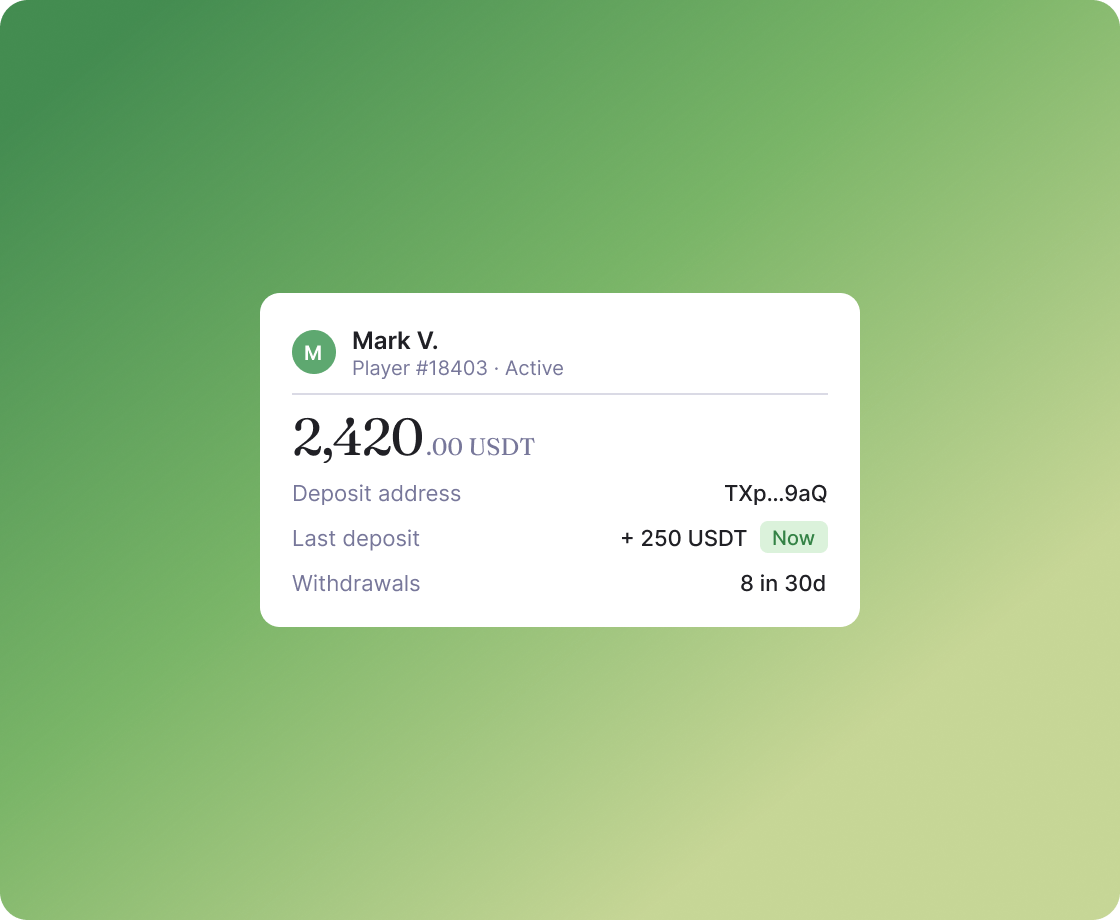
Customers is a wallet management tool for platforms that hold balances on behalf of their users. Each user gets a dedicated wallet with a unique deposit address per currency, and all incoming funds are automatically matched to the right account. No manual reconciliation, no shared deposit addresses.

An iGaming platform assigns a wallet to each player at registration. When a player deposits USDT, the balance updates instantly — the platform always knows whose funds are whose, without any manual matching.
Learn more
User wallet balance card on a green gradient

03 / INVOICES

Flexible payment requests

Bill clients. Let Calypso handle the rest

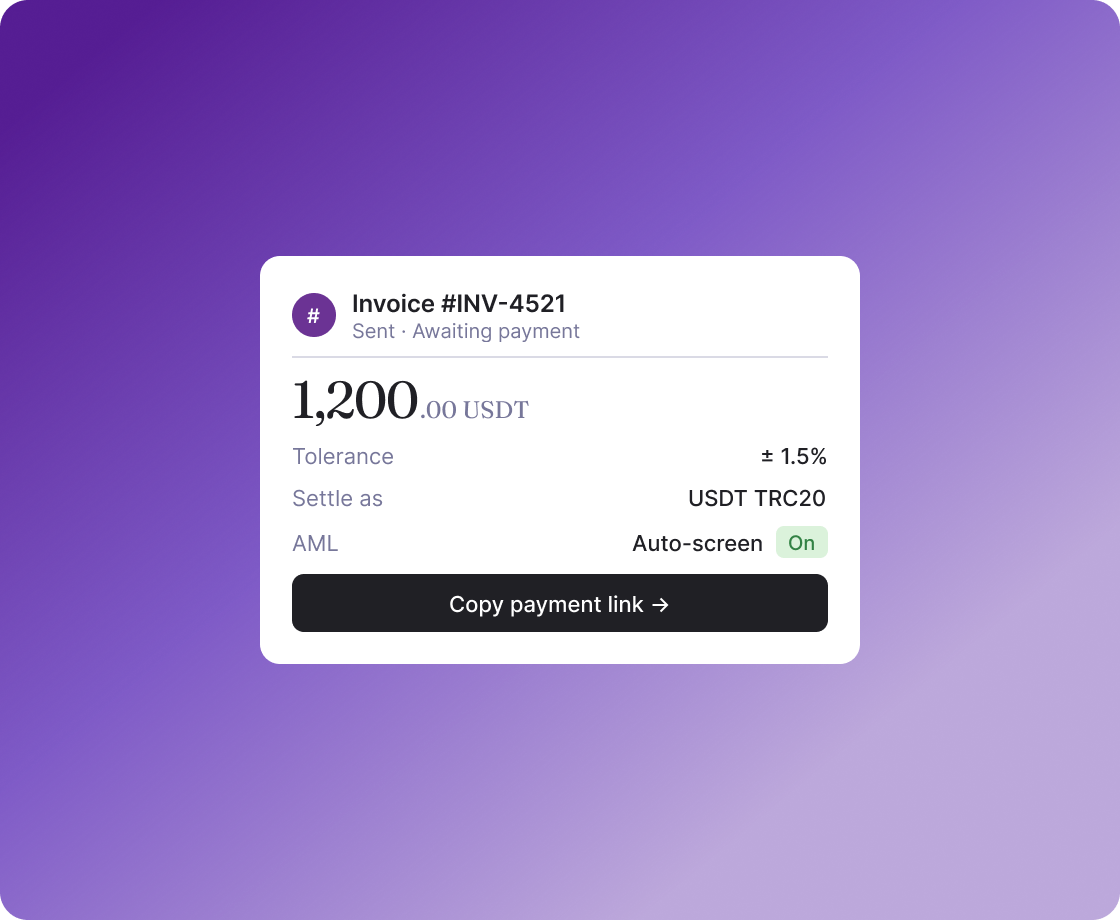
Create an invoice via API or dashboard, share a payment link or QR code, and Calypso tracks the payment, handles underpayments and overpayments, runs AML screening, and settles to your balance automatically. Enable Auto Currency Conversion to receive stablecoins regardless of what the customer sends.

A B2B service creates an invoice for a client via API, sends the payment link, and receives a webhook when the payment is confirmed — no manual checks needed.
Learn more
Invoice payment UI on a purple gradient

04 / PAYOUTS

Single and mass transfers

Pay one. Or pay a thousand

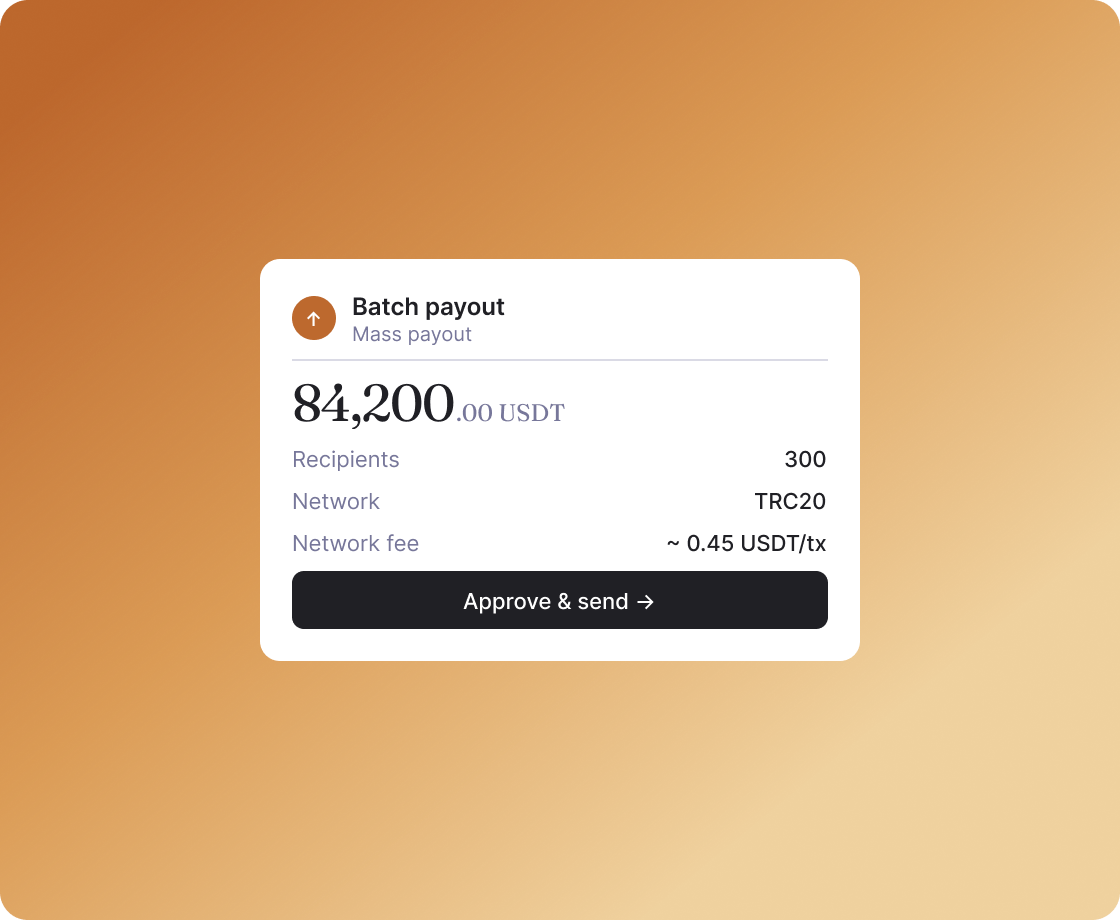
Send funds to partners, contractors, or users — one transfer at a time or to hundreds of recipients at once. Upload a CSV, review fees, confirm. For large or sensitive transactions, configure an approval flow: the payout goes through only after sign-off from the required number of team members.

A freelance platform processes weekly payouts to 300 contractors: uploads a CSV with wallet addresses and amounts, reviews the total, confirms — all transfers go out in one operation.
Learn more
Mass payout UI on an orange gradient

05 / EXCHANGE

No external exchange needed

Swap currencies without leaving the platform.

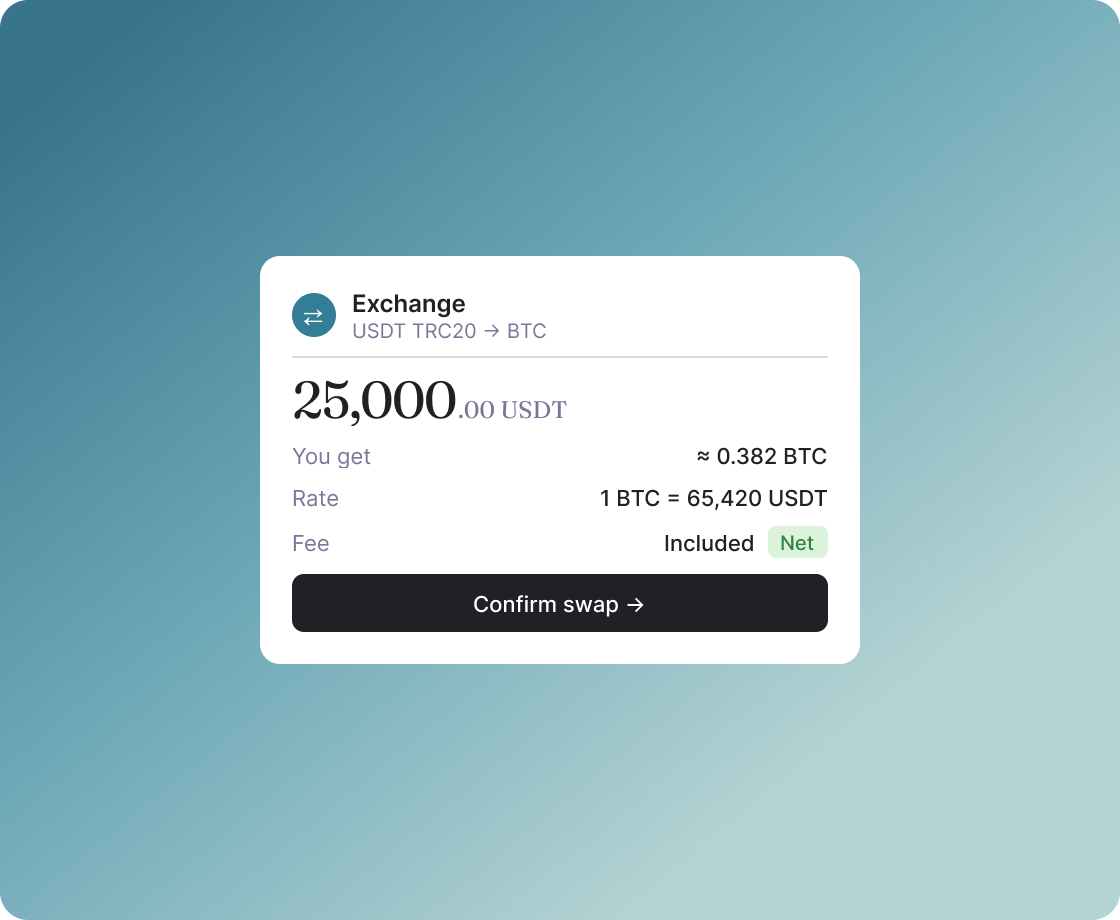
Exchange is a currency conversion tool for businesses that need to swap crypto assets without withdrawing to an external exchange — convert USDT to BTC, USDT TRC20 to USDT ERC20, or any other supported pair in a few clicks. The Calypso fee is included in the rate — what you see is what you get.

A crypto exchange consolidates revenue from multiple networks into USDT TRC20 before end-of-day settlement — without moving funds off the platform.
Learn more
Currency exchange UI on a teal gradient

06 / ONRAMP

Fiat-to-crypto entry point

Let customers buy crypto with a card.

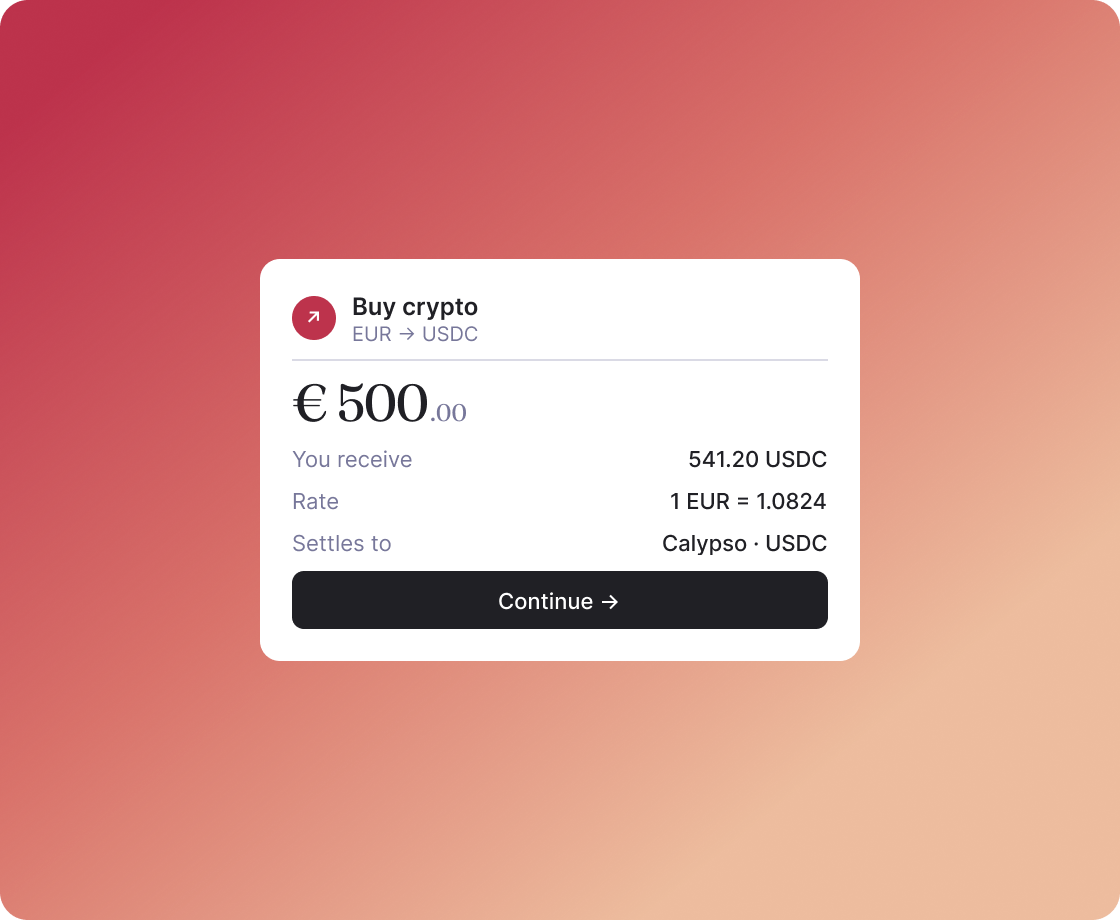
Onramp is a fiat-to-crypto conversion tool that lets customers buy crypto with a card or local payment method directly on your site — integrate via redirect or Host-to-Host API for full UX control, and the purchased crypto lands in your Calypso account automatically.

A wallet app embeds the Onramp widget on its top-up screen. A user enters €500, pays with their card, and 500 EUR worth of USDC appears in their in-app balance within seconds.
Learn more
Buy crypto UI on a coral gradient

One platform. Every operation. Full control.

01

Crypto and fiat assets

02

Payout approval flow

03

Role-based team access

04

Developer-friendly API

05

Financial dashboard & reporting

06

Built-in AML screening

Built for businesses that handle volume.

Five verticals where Calypso shows up most often — but if you're moving crypto at scale, chances are it fits.

01

iGaming

Wallet per player, instant deposits, mass payouts to thousands of winners. AML on every incoming payment.

CUSTOMERSPAYOUTS

02

eCommerce

Accept crypto at checkout via redirect or API, webhook per order, multi-currency reconciliation.

CHECKOUTINVOICES

03

Freelance & B2B

Issue invoices, pay contractors in bulk via CSV, full audit trail on every transfer.

INVOICESPAYOUTS

04

Crypto exchanges

Dedicated wallet per user, swap between networks on-platform, exportable transaction history.

CUSTOMERSEXCHANGE

05

Investment funds

Transparent multi-currency accounting, multi-person approval for large transfers, downloadable reports.

APPROVALSREPORTING

Frequently Asked Questions

Find answers to common questions about Calypso Pay

What is Calypso Payment Gateway?
Calypso Payment Gateway is a crypto payment infrastructure for businesses. It lets you accept payments from customers, send payouts to partners and contractors, exchange currencies, and manage balances — all in one platform. You can integrate via API or use the dashboard directly, without writing a single line of code.
Who is it for?
Calypso works for any business that handles crypto payments at volume: iGaming platforms, eCommerce stores, B2B services, freelance platforms, exchanges, and crypto-native businesses. If you need to accept crypto from customers or send it to partners — Calypso covers the full flow.
What currencies and networks are supported?
Calypso supports major cryptocurrencies across all key networks: USDT and USDC on TRC20, ERC20, BEP20, TON, Polygon; BTC, ETH, TRX, TON, and others. Contact the Calypso team for the full list of supported assets.
Is Calypso Pay regulated and compliant?
Every incoming payment is automatically screened for AML. Flagged transactions go to compliance review — only clean funds reach your balance. Calypso operates under applicable regulatory requirements. Contact the team for details on licensing and compliance documentation.
How do customers pay?
Customers receive a payment link or scan a QR code and send crypto to a unique deposit address. They can also connect a Web3 wallet — MetaMask, WalletConnect, or TON Connect — and pay directly from the browser. Payment pages are available in 25+ languages.
What happens if a customer sends the wrong amount?
Calypso handles both underpayments and overpayments automatically. You can configure a tolerance threshold — payments within that range close the invoice automatically. Larger discrepancies are flagged for manual review.
Can I require approval before a payout goes through?
Yes. Configure an approval flow so that a payout only goes through after sign-off from the required number of team members. The person who created the payout cannot approve it themselves — at least two people are always involved. Payouts via API can bypass approval flow to support automated scenarios.
How does role-based access work?
Calypso has nine roles across two levels — company and account. Company Admin oversees all accounts and approves payouts across the organization. Specialized roles cover specific functions: Invoice User for billing, Payout Manager for approvals, Crypto-to-Crypto User for exchange, Developer for API integration. Each person sees and does only what their role allows.
Is there an API for all operations?
Yes. Everything available in the dashboard — creating invoices, triggering payouts, pulling reports — is available via API. Webhooks deliver real-time notifications for every event: invoice paid, payout confirmed, customer wallet topped up. Transaction history and balances can be downloaded as CSV or XLSX for reconciliation with your accounting system.

Get demo account

Get started
Demo view